
Before comparing what Eagle Eye shows near the surface, check how the installation's depth reference is configured. Lowrance's documented depth-offset feature compensates for the transducer's installation depth below the water surface. That makes it a setup question worth understanding before experimenting with image appearance.
Read the release note in its proper context
Lowrance's regional Eagle Eye software page lists version 26.2-72.1.36 with a May 4, 2026 release date. Its feature notes describe depth offset as a way to account for installation depth and see up to the surface. This article explains an existing documented feature; it is not announcing a November firmware release.
Establish the reference before changing the picture
Our suggested preparation begins by identifying your exact display, transducer and installed software. Find the matching instructions for the offset control and check the physical installation. Use the manufacturer's procedure and its reference points rather than copying another boat's number.
A setting from a different installation is not a measurement of yours. The transducer position and mounting arrangement are part of the question. Do not guess an offset from a promotional photograph or treat a screen's appearance as proof that an unmeasured value is correct.
Make the comparison deliberate
Record the starting configuration so that a later adjustment can be understood. After following the applicable setup instructions, compare the view while keeping the other controls steady. Note what the screen shows and which question remains, rather than changing several settings and attributing the result to one of them.
If the reference still does not make sense, return to the exact manual or Lowrance support with the equipment and software details. Depth offset is one part of configuration; it is not a promise that every target will be visible or that every unfamiliar return is a defect.
Readability and sonar setup are separate jobs
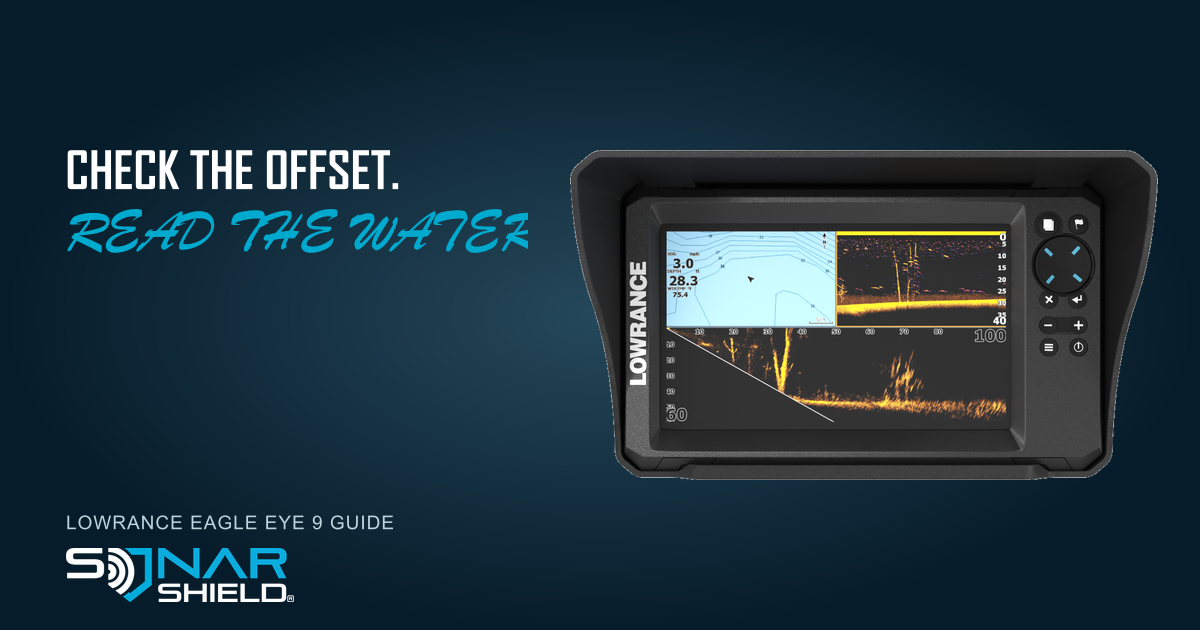
The genuine Eagle Eye 9 display pictured here carries a Sonar Shield visor. Explore Sonar Shield fish finder visors and match the accessory to the exact display. A visor supports screen shading; it does not set depth offset, add sonar functions or change target detection.
Source: Lowrance Eagle Eye 26.2 software notes, checked November 6, 2026. Hardware image supplied by Sonar Shield; original product and branding details are preserved.
Created with AI assistance using Sonar Shield's topic direction and research from the sources cited in this article.