
A cleaner LiveScope picture is useful only if the target you want to watch remains visible. For an ice-fishing practice session with a compatible GLS 10/LVS34 setup, approach filtering as a comparison rather than a contest to make the display look empty.
Give each control its own job
Garmin describes Noise Reject as a control for unwanted interference and returns. TVG addresses return strength over distance and can reduce nearby clutter. The current support guidance also cautions that overly aggressive filtering can remove wanted targets. Those are reasons to observe a known jig while making changes, rather than choosing the strongest filter automatically.
Keep a usable reference
Our suggested exercise starts with a configuration you can return to. Record the current gain, viewing range and filter choices before changing them. Check the applicable display manual for the exact control path; menu wording and available options depend on the equipment and software.
With the setup operating in an appropriate fishing location, watch the jig at a position you can identify. Keep its position and the other controls steady while trying one small filtering adjustment. Ask two questions: did unwanted clutter become less distracting, and did the jig remain easy to follow?
Compare target visibility and response
A change can make the background tidier while also weakening the target or delaying the image. If that happens, compare the previous setting before adding another change. Notes are more useful than remembering only that one view looked cleaner.
Garmin's support article recommends using the lowest filtering level that delivers the desired balance. It also notes that strong Noise Reject or Ghost Reject settings can affect responsiveness. This guide does not prescribe a universal numeric setting for every depth or every ice setup.
Keep travel care separate from image controls
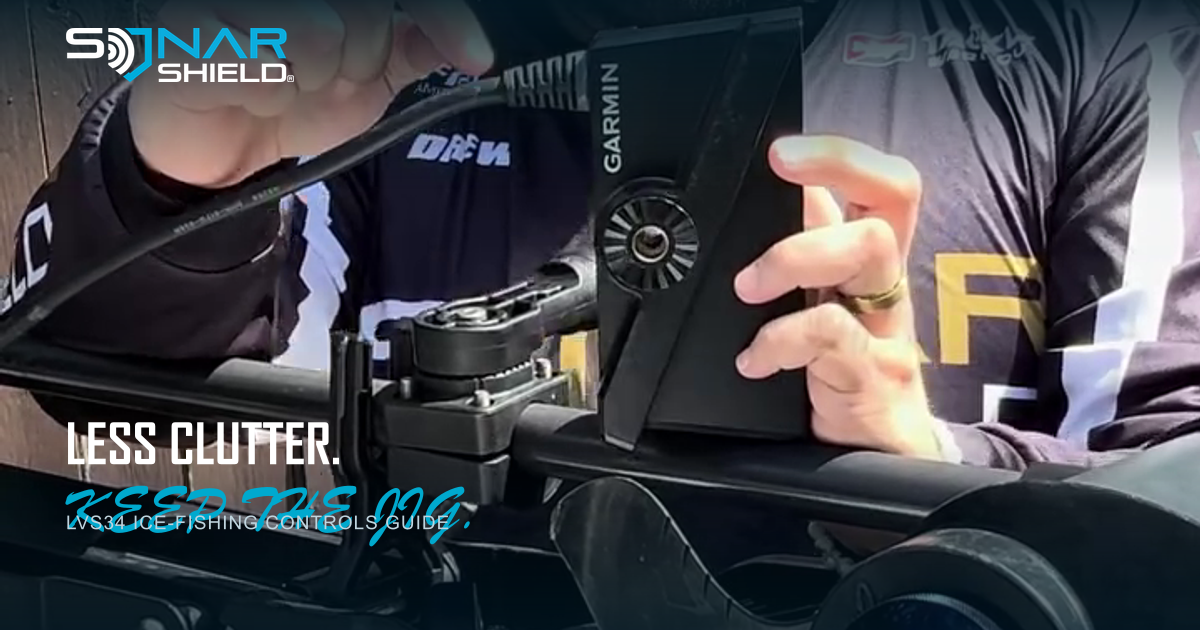
The actual hardware in the artwork comes from Sonar Shield demonstration footage; it is not presented as an ice-fishing scene or a first-hand test. See the Sonar Shield LVS34 travel cover for protection between sessions. A cover does not tune sonar or improve detection; remove travel covers before operation.
Source: Garmin settings guidance for improving LiveScope image quality, checked November 6, 2026. This is a practice guide, not a new software announcement or an ice-safety assessment.
Created with AI assistance using Sonar Shield's topic direction and research from the sources cited in this article.