
Color Gain is worth learning before copying someone else's entire settings screen. Garmin's GPSMAP manual describes it as a color-contrast control: increasing it makes differences between target returns more visually distinct; decreasing it makes the colors look more alike. It changes how returns are presented, not the physical size of a fish.
Find the control on the compatible display
In the cited GPSMAP manual, open the LiveScope or Perspective view and choose Options > Sonar Setup > Appearance > Color Gain. Available controls and menu wording can differ by chartplotter and software, so use the manual for your own display if this path is different.
That same Appearance menu also contains Color Scheme, Trails and Bottom Fill. Leave those alone for the first comparison. Changing several controls at once makes it difficult to know which change helped.
A three-pass practice session
The following is a Sonar Shield learning exercise, rather than Garmin's prescribed numerical settings. There is no universal number in the cited manual that guarantees the best image for every lake.
- Save the starting point. Record the current palette, Color Gain and viewing range. Take a screenshot if your display supports it. Choose a familiar stationary target and keep the boat and beam as steady as practical.
- Try a modest increase. Change only Color Gain by a small available step. Look at the same target, its edge and nearby returns. Write down what is easier to distinguish and what has become visually busier.
- Compare a modest decrease. Return to the original setting, then make a small change in the other direction. Compare again. Keep the presentation that makes your intended target easier to interpret, or restore the original if neither improves your understanding.
Judge a change by a specific question
Before turning a control, decide what you want to learn. Is a target edge easier to separate from the surrounding returns? Can you follow the same object through the view? Are you simply choosing colors you enjoy looking at? Those are different goals, and a useful note should say which one you tested.
Keep the target, range and other settings consistent during each short comparison. If conditions or the beam position change, start another comparison instead of crediting the setting for a different scene. Repeat the exercise on another outing before treating one result as your permanent baseline.
Keep display interpretation separate from equipment care
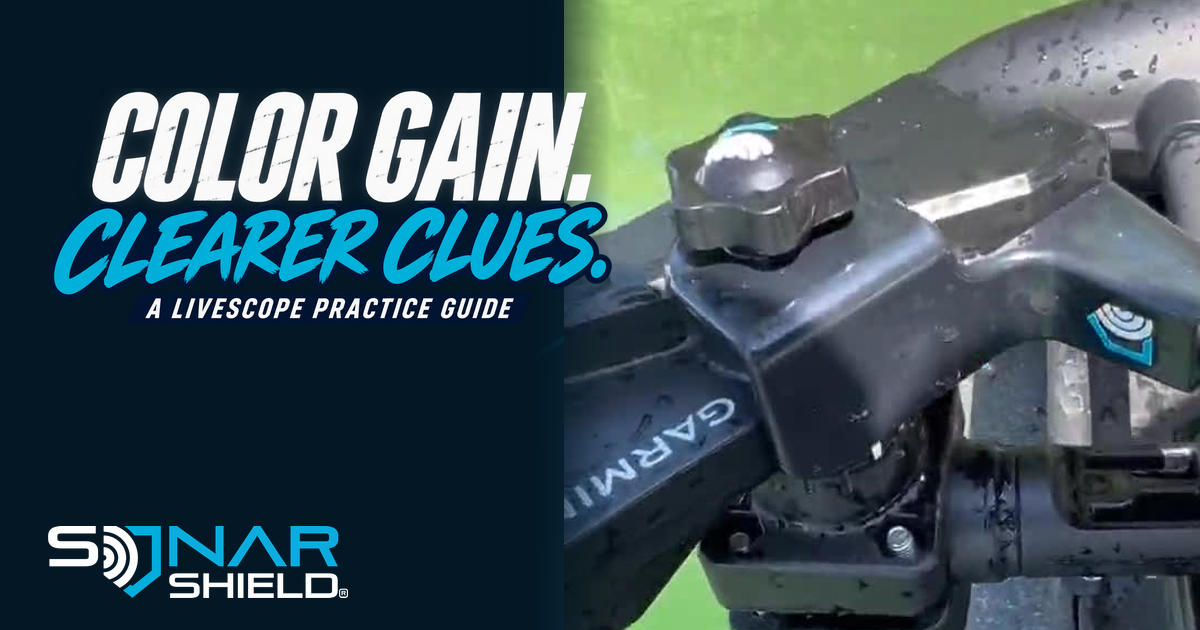
A clearer understanding of a control comes from practice. Physical accessories serve another purpose: caring for the equipment and installation. The pictured LVS34 and Sonar Shield cable saver come from supplied boat footage; the picture is not a before-and-after sonar result.
Explore Sonar Shield's LVS34 cable saver for cable-support information, or browse transducer travel covers. Neither accessory is claimed to change Color Gain or improve sonar resolution.
Source: Garmin GPSMAP owner's manual, LiveScope and Perspective Appearance Settings, September 2026 revision, checked November 2, 2026. Actual device photograph: Sonar Shield supplied footage. This is an educational guide, not a new software-release alert.
Created with AI assistance using Sonar Shield's topic direction and research from the sources cited in this article.