
By Gregg Smith · Verified September 28, 2026
Garmin lists software 45.01, released September 21, 2026, for ECHOMAP Ultra 2 102sv, 105sv, 106sv, 122sv, 125sv and 126sv. We verified it during our September 28 research. This is a display update; it should not be described as a new LVS34 transducer release.
What changes in 45.01?
Garmin documents quicker chart-image rendering, revised navigation-aid symbols and night colors, and a OneVu indicator for SpyPole direction. It also restores Active Track Memory information, addresses rare repeated restarts, adds standard NMEA 2000 windlass-data display support and includes other fixes. Read the exact model-family change history.
Check the model before downloading
Read the full model name from your device information and compare it with Garmin’s download list. The bundle date and your display’s version number describe different things. An original ECHOMAP Ultra and an Ultra 2 should not be treated as interchangeable just because their names are similar.
Prepare and install using an SD card
- Back up your user data. Prepare a separate, empty 8–32 GB FAT32 card; keep your chart and ActiveCaptain cards aside.
- Download Garmin’s ECHOMAP bundle, currently 2026.0921.0. Open the ZIP and copy its Garmin folder to the card root as the only item.
- Power the primary display and connected network equipment. Insert the card and follow the displayed Update choice.
- Allow the installation to finish; larger networks can take more than 20 minutes. Chartplotters connected only through NMEA 2000 need their own card update.
- After completion, check the software information on the affected equipment and record the result.
Official download, model list and installation directions. Use Garmin’s current instructions at installation time.
Make a useful before-and-after note
Write down your starting version and the task you want to revisit—such as opening a familiar chart view. After updating, check that same task with the same chart and configuration. A short, repeatable comparison is more useful than changing several settings at once and trying to remember what changed.
If you use SpyPole, check the direction indication in its intended page. If that hardware is not part of your setup, that feature is simply not the reason for your update. Match the release notes to the equipment you actually own.
Explore Sonar Shield gear
Fishing Graph Cover Straps help retain a separate display cover between trips. Check the current product options for your setup.
Shop model-specific transducer covers for the transducer connected to your display. Choose by the transducer model, not the screen name, and remove its cover before use.
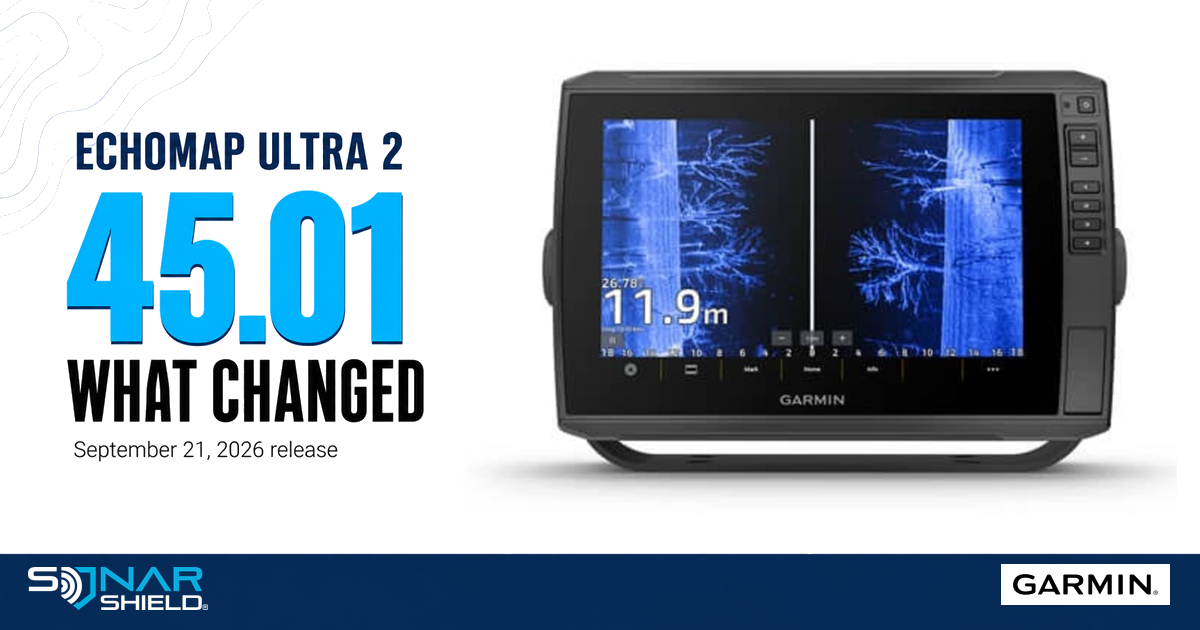
Product photograph and Garmin mark: Garmin, used for editorial identification. Sonar Shield is the independent publisher. The product image is not a screenshot demonstrating the new software.