
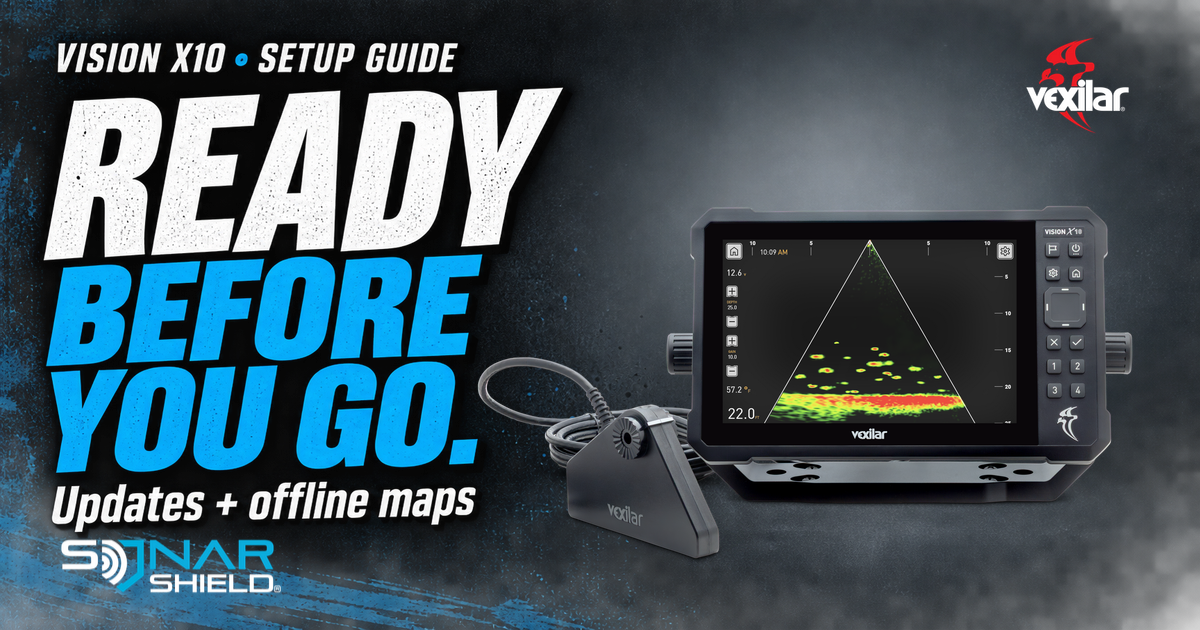
A launch ramp is a poor place to discover that a download still needs attention. Vexilar documents a straightforward preparation route for the Vision X10. Here is the useful part, followed by a practical way to organize the check.
Vexilar’s documented steps
- Open System Settings > Setup > Wi-Fi Settings and connect to Wi-Fi.
- The unit displays available software updates with release notes. Keep power on throughout an update.
- Download the lake maps you need before departure. Downloaded maps work offline; Vexilar says settings and downloaded maps are retained through software updates.
Source: Vexilar’s Vision X10 product FAQ, checked September 16, 2026. The FAQ does not give a release number or publication date. This is existing setup education, not a new firmware alert.
Make the preparation useful
Our suggested routine is to start while you still have time to solve a problem. Write down the lake you intend to fish and the function you want to check. A note saying “ready” is less useful than a note describing what you actually confirmed.
- Before changing anything: photograph the current software information if available and save the release notes shown to you.
- After the device finishes: follow its completion instructions, then verify that it returns to normal operation. Confirm the result rather than assuming a progress indicator means everything is finished.
- Check the destination: inspect the intended map area at useful zoom levels. Make the needed coverage part of your trip checklist.
- Keep a short record: date, model, observed software version, lake area and any unresolved message. This helps support distinguish a download issue from a separate on-water symptom.
These organizational checks are Sonar Shield’s suggestions, not additional manufacturer menu instructions. We have not established a universal update duration or a current version number from this FAQ. If the on-device process differs, stop and consult Vexilar’s current documentation rather than applying another brand’s card or file-renaming procedure.
For a concise support record, use our fish finder help checklist. What do you check at home so it does not become a problem at the water?
Product image and manufacturer logo: Vexilar. Manufacturer-supplied display imagery is shown unchanged for identification; it is not a Sonar Shield performance test. This is independent editorial coverage.