
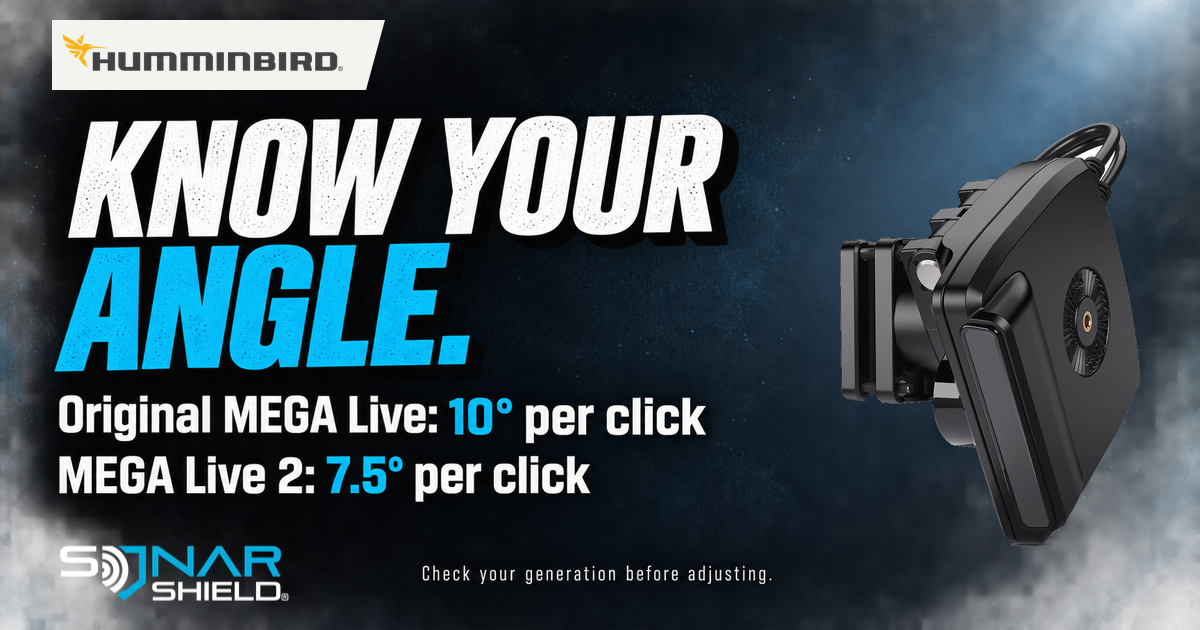
If the view does not match the direction you intend to watch, first compare the selected mode with the physical setup. A useful distinction in Humminbird’s guidance is easy to miss: the two generations have different mount increments.
Check the correct generation
| Model | Down position | Each upward click | Maximum |
|---|---|---|---|
| MEGA Live, first generation | 0° | 10° | 60° |
| MEGA Live 2 | 0° | 7.5° | 90° |
Source: Humminbird’s modes and viewing-angle guide, updated September 11, 2026; checked September 16. These are mount-reference values, not universal best fishing angles.
Manual mode selection on MEGA Live 2
For APEX, XPLORE and SOLIX G3: from a MEGA Live 2 View, select the top-bar MEGA Live Mode icon, turn Auto off, then choose Down, Forward or Landscape. The reminder also calls for matching the transducer’s physical orientation. Follow the linked installation guide for the mounting procedure.
Compare one observation at a time
Our suggested check begins with a written description of the job: looking ahead at a presentation, looking down or examining a wider area. Record the model and the starting arrangement before changing it. Do not transfer a number of clicks from a friend’s different generation and assume you have reproduced the same setup.
Make the physical change only as allowed by the applicable mount instructions, with the boat secure and hands clear of moving equipment. Then observe a repeatable target or feature from a consistent position. If you also change sensitivity, palette and range at the same time, you will have less evidence about which change mattered.
Write down what became easier or harder to interpret. That comparison is more informative than deciding the screen simply looks “better.” The aim is to understand your own setup, not to declare one angle ideal for every depth, lure and viewing direction.
Our separate MEGA Live 2 Dynamic Contrast guide addresses image controls after the basic orientation is understood. This article covers installation/view alignment and is not a new software-release notice. Which generation are you using, and which view are you trying to understand?
MEGA Live 2 product image and manufacturer logo: Humminbird. The pictured unit is MEGA Live 2; the table also describes the original generation. Independent editorial coverage by Sonar Shield.