
Newly verified October 6, 2026. By Gregg Smith.
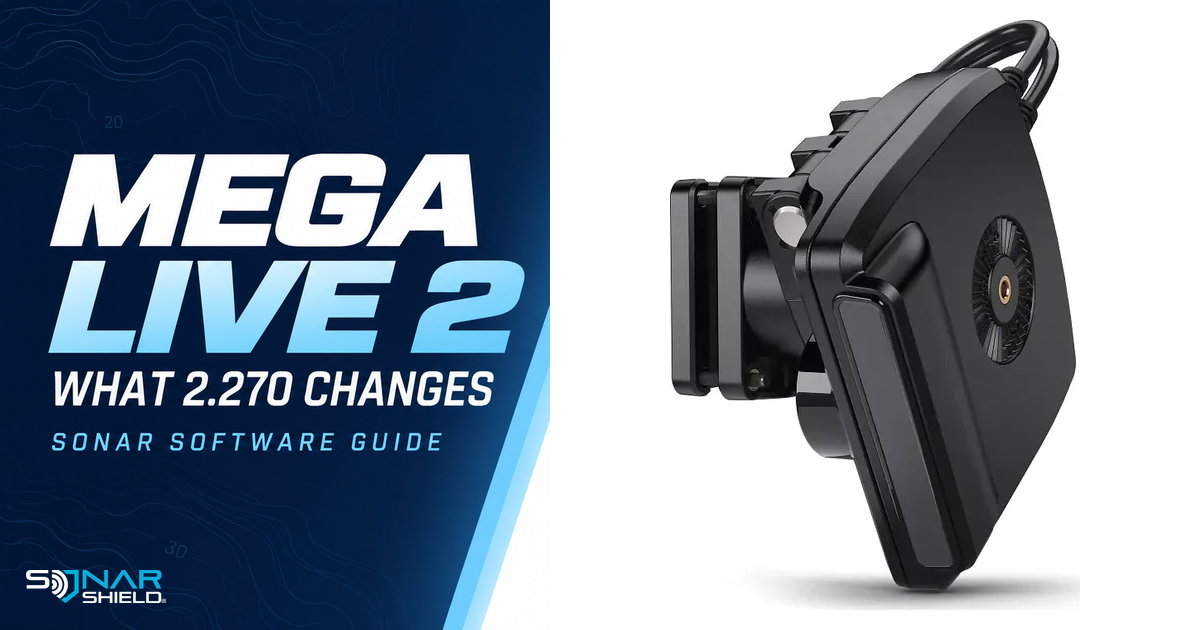
The official MEGA Live 2 version 2.270 notes describe useful changes for existing transducers, including synchronization and target-display improvements. The affected product is MEGA Live 2, item 710310-1. These instructions should not be applied automatically to original MEGA Live or to the future Minn Kota Live Sonar product.
What 2.270 changes
The release describes simultaneous use of multiple MEGA Live 2 transducers with Sonar Sync to avoid interference between them. The manufacturer recommends keeping the transducers within 6 feet (2 meters) of one another. Read the current installation and networking requirements for the whole setup; the distance recommendation alone is not a complete rigging guide.
Other changes address down mode, hard returns, hard-bottom rings during ice fishing, and tracking fish, bait and jigs. These are the manufacturer's software changes, not Sonar Shield's independent performance test. We have not measured a guaranteed improvement for every water condition.
Check the display as well as the transducer
The notes recommend 7.400 or later on compatible X Series, XPLORE, APEX and SOLIX G3 displays. A display version and a transducer version are separate numbers. Record both before updating, along with the actual models on the network.
If your display needs 7.400, use its own staged instructions. Applicable older systems require 6.090, then 6.120, then 7.400, with the documented reconnection steps. The display update restores defaults and does not accept old settings imports. Prepare for that separately from the sonar update.
How to approach the Wi-Fi update
- Open the linked MEGA Live 2 release page and confirm the exact hardware and compatible display software.
- Check the display's prerequisites and user-data instructions before changing anything on the network.
- On the compatible display, use Home → Network + Devices → Wi-Fi Updates to connect.
- Use Network + Updates → Check for Updates and follow the correct device prompts for the transducer and any required display stage.
- Maintain power until the procedure finishes, then verify the installed versions for both display and MEGA Live 2.
The current page also includes app/card instructions with some generic wording that refers to other equipment. Its download link and generic card wording do not use the same extension. We are not substituting a guessed file name or another model's procedure. Use the live exact-model instructions or manufacturer support if you need that installation method clarified.
Compare the result without losing your baseline
Our suggested first check is a repeatable one. Record the view, range and other settings before changing them, then observe a familiar presentation or structure. If you are evaluating jig tracking, keep the presentation and viewing direction consistent long enough to compare the result. Change one relevant control at a time and note what it does.
For ice fishing, the hard-bottom-ring change is a reason to revisit a familiar view when conditions permit. It is not a substitute for exact-model setup instructions, suitable battery care or a safe decision about access to the ice.
Multiple-transducer owners: document the setup
Write down which transducer is connected where and which view you are observing. A clear diagram or a few labeled photographs can help distinguish a software question from a network-selection or mounting question. Keep the manufacturer's distance and compatibility requirements with that record.
The release page did not show an explicit release date in the body when checked. We describe 2.270 as newly verified on October 6, rather than inventing a publication date.
Keep your equipment information together
Save your exact model, installed versions and the date of the update with your boat information. For between-trip accessories, browse Sonar Shield covers, visors and accessories by the actual model on your boat. Software compatibility and physical accessory fit are separate checks.
Independent Sonar Shield guide checked October 6, 2026. Features and procedures below are based on the linked manufacturer documentation; use its current instructions for your exact hardware. Official product imagery: Johnson Outdoors.