
Getting ready for the 2026–27 ice season is a good time to learn a control you may need beside other sonar users: CHIRP interference rejection. Humminbird's ICE HELIX guidance gives compatible CHIRP models six settings to work through. Here is a practical way to use that control without guessing at a universal best setting.
The actual control sequence
- On a compatible ICE HELIX CHIRP unit, press the checkmark key to cycle through the six CHIRP IR settings.
- Alternatively, from the sonar or flasher view, press MENU once and select CHIRP IR.
- Use the directional control to compare the available settings, then press EXIT when finished.
Those steps come from Humminbird's ICE HELIX Interference guide. They are model-specific guidance, not new firmware and not a menu sequence for every Humminbird display.
Use a steady target while you compare
Our suggested practice routine is to hold your jig at a consistent depth where you can see it. Change only the interference setting, pause long enough to compare the display, and note whether the unwanted marks improve while the jig remains readable. If you change sensitivity, range and interference together, you lose the ability to tell which change helped.
Work through the choices methodically. A setting that looks clean beside one nearby unit may not be the best choice beside a different group of anglers. Write down the starting setting and the one you preferred so the comparison remains useful.
Confirm Ice Mode and the correct equipment first
Humminbird documents differences in Ice Mode menus and compatible conversion equipment by unit generation and software. Follow the instructions for your exact model. Standard non-CHIRP HELIX models do not gain CHIRP IR just because they are used through the ice.
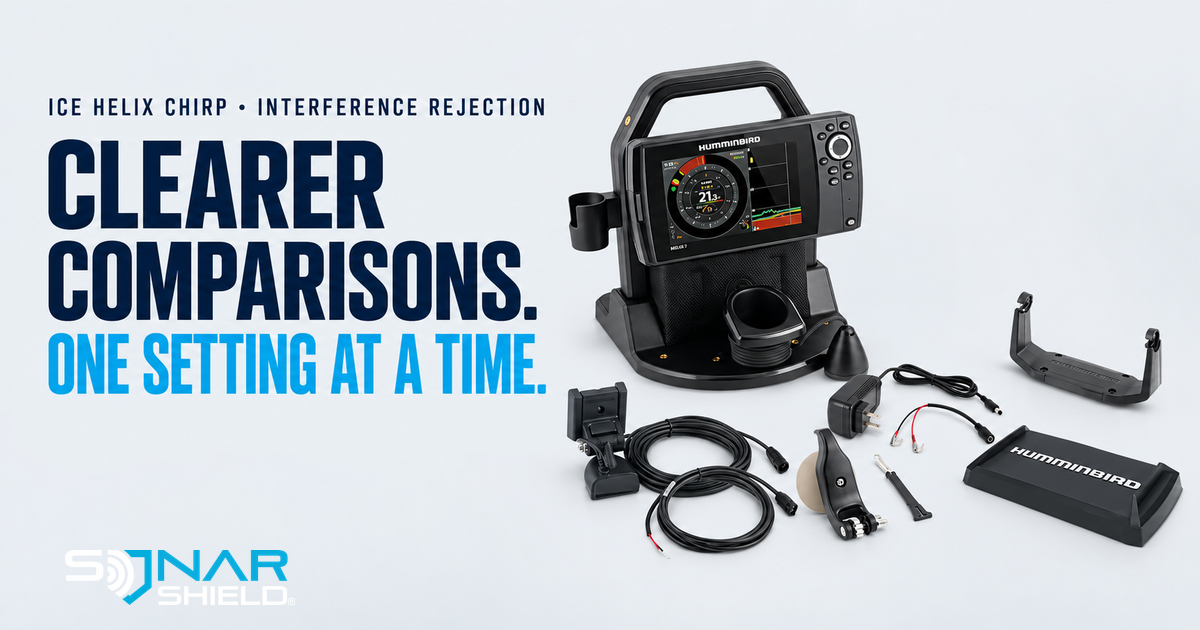
See the official Ice Mode and conversion-kit guide before adapting an open-water unit. The ICE HELIX 7 G4 image here illustrates existing equipment; it is not an announcement of a new product.
Save a useful note for the next trip
Record your exact model, software version, nearby sonar conditions and preferred IR choice. A short note gives you a starting point, while leaving room to adjust for a different day. There is no single numbered preset in this guide because the right result depends on the actual interference you encounter.
Pack for the trip
Explore Sonar Shield graph cover straps for compatible covered displays. Confirm fit and routing for your own equipment. A transport accessory is separate from sonar tuning and does not change interference rejection.
Sources checked October 1, 2026. Product photograph: Humminbird / Johnson Outdoors.