
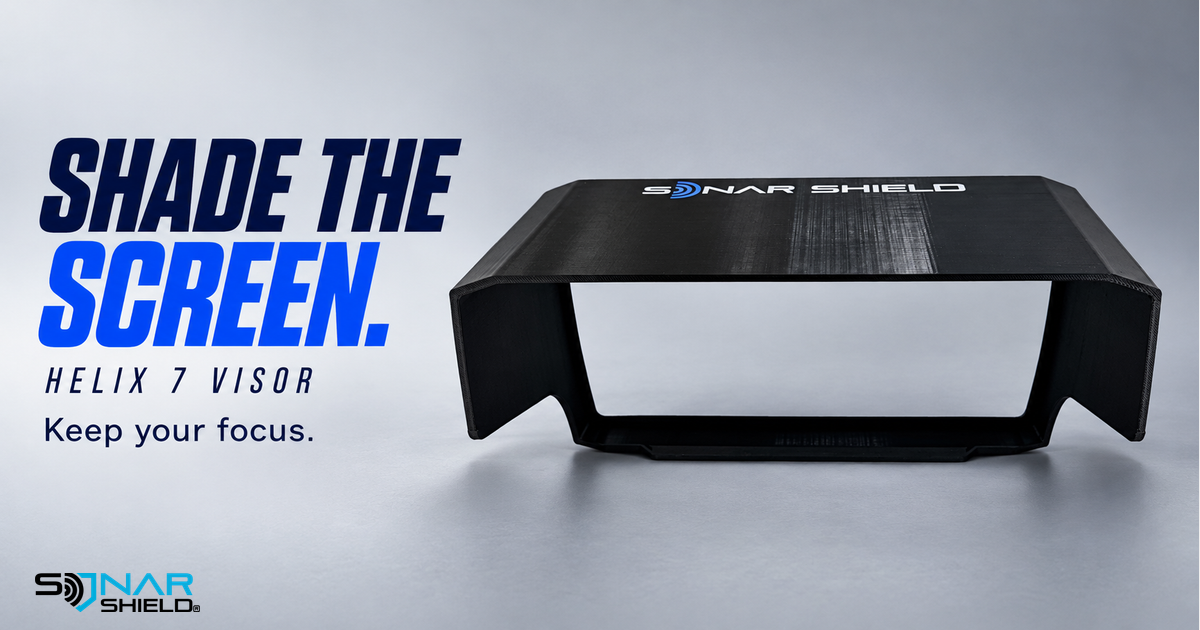
Shop the Sonar Shield Humminbird HELIX 7 Fish Finder Visor. A visor puts shade around the display you already use. For an angler trying to follow a lure, read a depth or compare a return, improving the view of the screen can be a useful first step before changing the information on it.
Start with what is making the screen hard to read
A bright reflection across the glass and an unfamiliar sonar return are different observations. The first concerns the view of the display; the second concerns what the system is showing. Changing a sonar control while a reflection is the main distraction can make it harder to tell which change helped.
Sonar Shield's HELIX 7 visor listing describes a model-specific accessory intended to help reduce glare. It is an accessory, not a software update or a promise of better target detection. Confirm your exact display against the current listing and use the supplied fitting directions.
Try this simple visibility comparison
The following is our suggested ownership routine, not a manufacturer test result or a claim that we measured a specific improvement.
- Pick one reference on the display. Use a label or familiar part of the current view that is easy to identify again.
- Notice the reflection. From your normal viewing position, ask whether the bright area moves as your viewing angle changes.
- Evaluate the shade. With the correct visor fitted as directed, look at the same reference from the same position. Leave sonar settings unchanged during the comparison.
- Then address the content. If you can see the screen clearly but need help interpreting its returns, open the manual for your exact HELIX model and operating view.
A short comparison makes the question manageable: did the accessory help the view of the display? It avoids treating every reading difficulty as a gain, sensitivity or filtering problem.
Keep model selection straightforward
Read the model name from the unit itself before ordering. HELIX 7, HELIX 5 and other screen families are separate product listings. A familiar brand name alone is not a fit check. If your installation leaves a fit question, contact Sonar Shield with the exact model and a clear photograph of the area around the display.
Use normal access to the screen and controls as part of following the fitting directions. Do not assume an accessory for a different screen size is interchangeable. Our product photograph shows the visor itself so its actual shape and branding remain visible; it is a studio visualization based on Sonar Shield's own catalog image, not an invented on-water installation.
Build a useful routine around the electronics
Keep the visor's role simple: useful shade while viewing the screen. For other parts of your setup, browse Sonar Shield accessories by your exact device. Choose each accessory for its stated application rather than expecting one item to do every job.
What makes your display easiest to read: screen position, shade or a familiar viewing setup? Share the exact model when asking a question so the answer can be specific.
Created with AI assistance using Sonar Shield's topic direction and research from the sources cited in this article.