
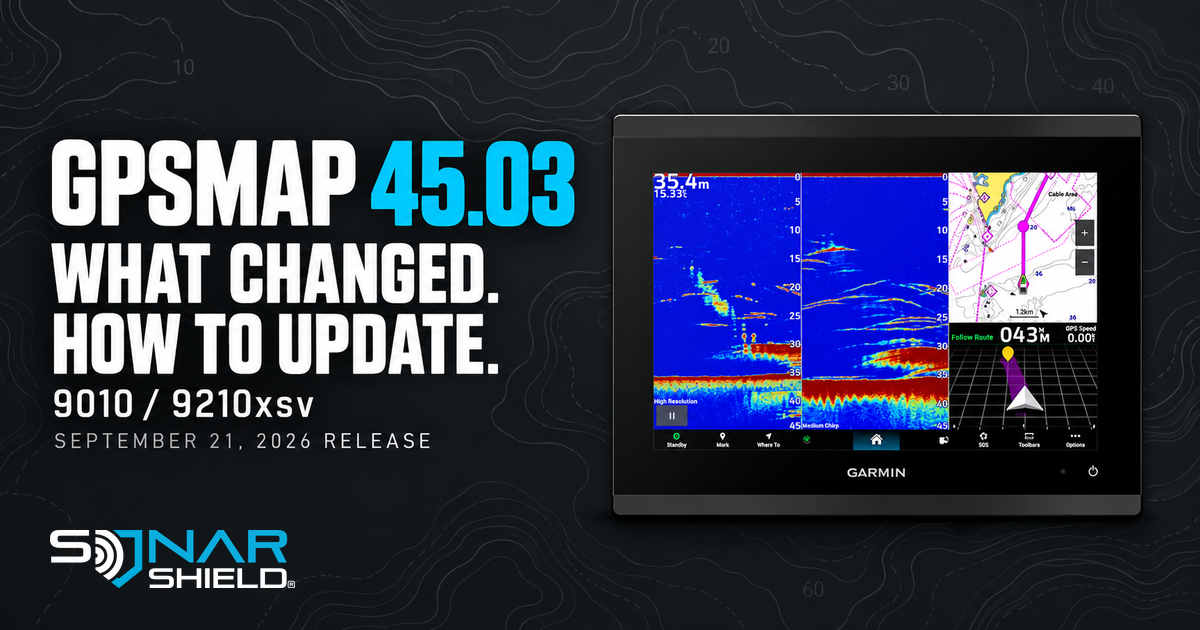
Release date: September 21, 2026. Verified for this guide October 3. This is a catch-up guide to an existing release, not an announcement that Garmin released it today.
Garmin's GPSMAP 9010/9210xsv change history now provides an exact version to compare with your unit: 45.03. It follows 44.06. The number matters because other GPSMAP families use different version numbers in the same download bundle.
Changes worth checking on your display
The release improves chart-image rendering speed, updates navigation-aid symbols and night colors, and restores Active Track Memory information removed in 44.02. OneVu gains a SpyPole direction indicator. There are also gauge, radar, camera and integration changes; consult the complete model history for equipment-specific relevance.
Those notes describe software behavior. They do not establish a new sonar transducer, improved target resolution or a reason to replace your current hardware. Pick a familiar chart view when comparing your own setup so a change in location does not confuse the comparison.
Use the version for your exact family
Garmin separately lists GPSMAP 723/743/753 at 45.01 and GPSMAP 9019/9219 at 45.02, also dated September 21. Do not assume the highest number is the correct target for every GPSMAP. The hero image here is a 9010xsv.
Official SD-card update path
Use Garmin's GPSMAP Series with SD Card package and instructions. At this check it is bundle 2026.0921.0. The download page specifies a FAT32 card from 16 to 32GB for the standard procedure and advises backing up user data. Avoid using your mapping or ActiveCaptain card.
- Download the official package, open the archive and copy its Garmin folder to the card. Garmin specifies that this should be the only item on the card.
- Power on the primary display and attached network devices, then insert the card into the primary device.
- Choose the update option shown on screen and allow the process to finish. Garmin notes that larger networks can take more than 20 minutes.
- For additional chartplotters connected only through NMEA 2000, follow Garmin's separate card-update step for each display.
After the update
Record the installed version alongside your exact model name and the date. Open your normal chart and fishing views while you have time to look around. If something does not match the official instructions, use Garmin support with those details rather than guessing from another model's menu.
Our separate Garmin trolling-motor version discrepancies remain under review; this display guide does not resolve them.
Accessories for the rest of your setup
Browse Sonar Shield covers and visors by the actual model on your boat. No GPSMAP 9010 visor compatibility is claimed here. Keep software selection and physical accessory fit as two separate checks.