
By Gregg Smith • Release date: September 21, 2026
Garmin’s ECHOMAP UHD2 Touch software history now identifies 45.01 for the supported sv family. This is a September 21 release we verified during our latest review, not a release announced today. Check the full model name on your unit before choosing software.
Which models are covered?
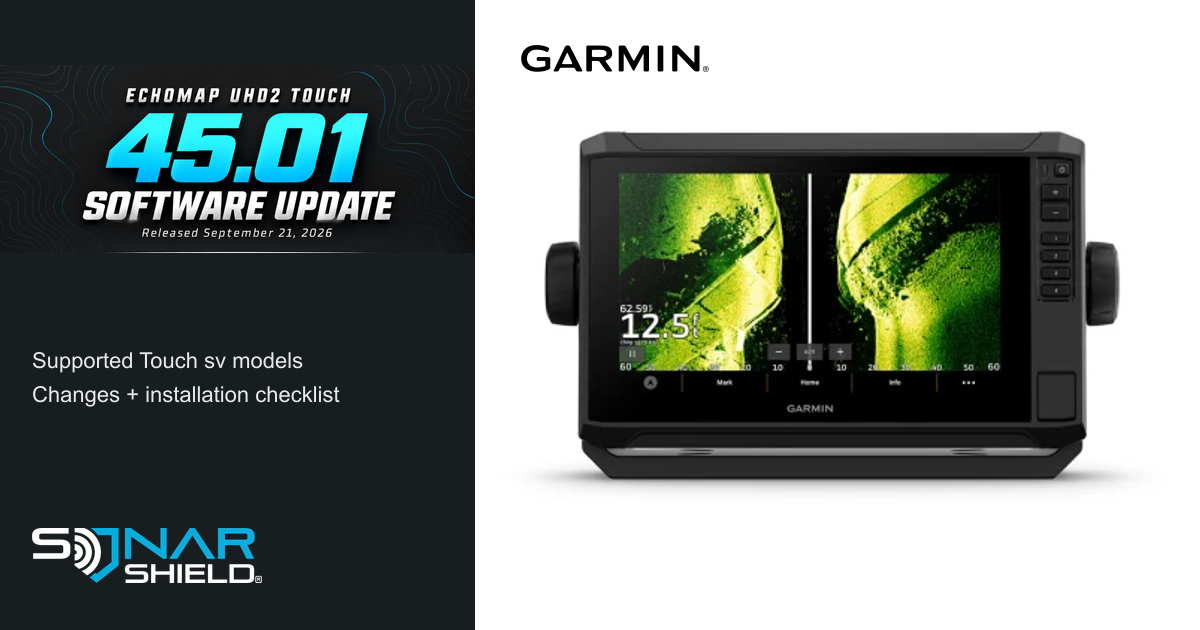
The official history covers ECHOMAP UHD2 Touch 62sv, 63sv, 64sv, 65sv, 72sv, 73sv, 74sv, 75sv, 92sv, 93sv, 94sv and 95sv. The pictured unit is a 93sv. Other ECHOMAP families have their own version histories; do not use this list as a universal Garmin compatibility list.
What changed in 45.01?
Garmin documents faster chart-image rendering, revised navigation-aid symbols and better night colors. It also adds standard NMEA 2000 windlass-data display support and a SpyPole-direction indicator on the OneVu page. Active Track Memory information missing since 44.02 is restored, alongside other fixes and improvements. Connected-equipment features depend on the equipment in your installation. See Garmin’s exact model-family change history.
Before you install
Write down your full model and current version, and back up user data. For the straightforward SD-card method, prepare a separate FAT32-formatted 8–32 GB card. Keep your mapping and ActiveCaptain cards separate. Use Garmin’s official ECHOMAP download and instructions; the bundle number is 2026.0921.0, while the supported Touch display software is 45.01.
SD-card installation checklist
- Download the official package and extract it. Place the Garmin folder at the card’s root, as the only item on the card.
- Power on the primary display and connected network equipment, then insert the prepared card into the primary display.
- Select the appropriate Update option and let the process finish. Large networks can take more than 20 minutes.
- Update additional displays connected only through NMEA 2000 separately with the card, as Garmin directs.
Follow the on-screen prompts and the instructions for your precise installation throughout. If the card is not recognized, revisit the format and extracted folder placement rather than choosing a different model’s download.
After the update: make one useful check
Our suggested post-update routine is simple: confirm the display reports the expected version, open a familiar chart area, and check a saved waypoint. If you use the relevant connected hardware, review the corresponding OneVu or windlass-data view. These are practical checks, not a claim that every connected accessory now shares version 45.01.
Keep a short equipment note with the date, display version and any connected-device versions you checked. That makes the next update easier to compare and gives support a clearer starting point if you need help.
Explore Sonar Shield gear

Organizing the rest of the boat can be part of the same preparation session. Explore Spinning and Casting rod sleeves, or choose a transducer cover for your exact transducer model. These are separate storage accessories; they do not install software or change sonar performance. Product pages provide current options and availability.
Device image: Garmin’s official ECHOMAP UHD2 93sv product page. Sonar Shield is the independent publisher; this guide does not imply Garmin sponsorship.