
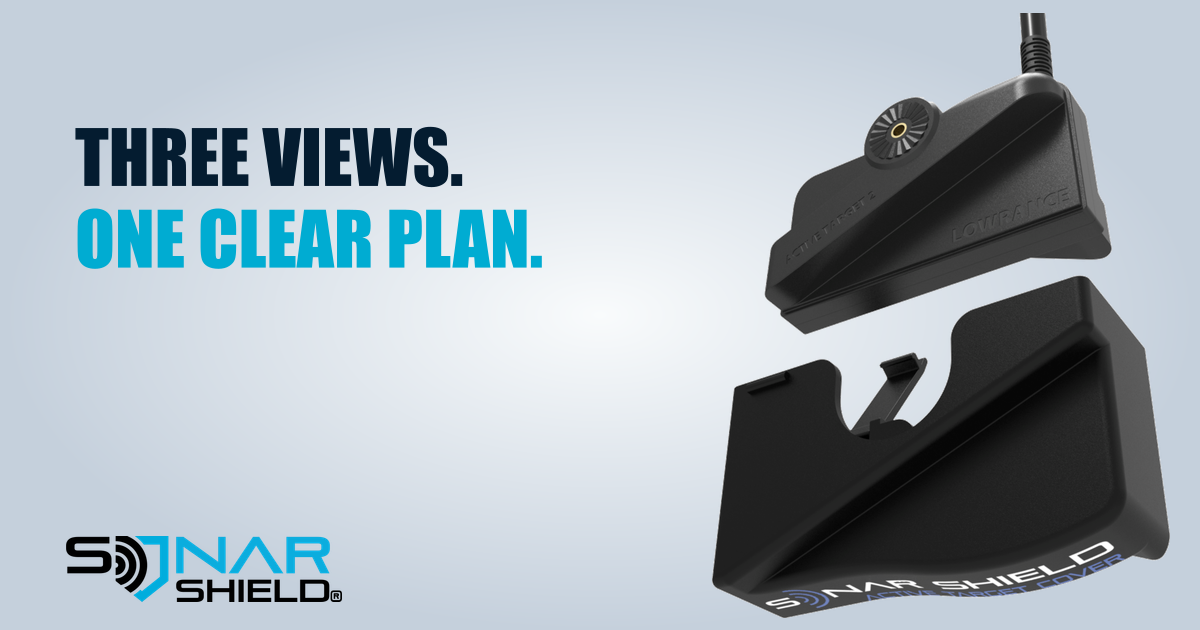
ActiveTarget 2 offers Forward, Down and Scout viewing options. The useful starting point is the question you want the sonar to answer: what is ahead, what is below, or what is across a wider area near the surface? The selected view and physical transducer orientation need to agree.
Forward: watch ahead of the transducer
Forward view is the natural choice when your question concerns the water in front of the beam. Before interpreting the picture, check the transducer's direction and the mounting arrangement against Lowrance's installation manual. Turning a display setting cannot correct a transducer aimed somewhere else.
Down: concentrate below
Down view changes the area you are trying to observe. Lowrance's manual provides orientation instructions and alignment references for the supported mounting arrangements. Use those instructions rather than guessing from the silhouette of a transducer in a promotional picture.
Once oriented correctly, practice with a known target. Observe how its position changes as the beam moves. A careful short session can teach more than rapidly switching several controls at once.
Scout: a different physical arrangement
Scout provides a wide view intended for looking across an area. Lowrance documents the relevant bracket and mounting arrangements separately. Confirm that your installation supports the intended orientation before using it; do not assume the same mechanical position works for all three views.
This article concerns standard ActiveTarget 2. Do not substitute these general descriptions for the ActiveTarget 2 XL manual or assume the two systems have identical hardware and instructions.
A useful setup sequence
- Name the question. Decide whether you want to observe ahead, below or across an area.
- Check the physical orientation. Use the correct Lowrance manual for your transducer, bracket and installation.
- Select the matching sonar view. Check your display's applicable instructions and software.
- Practice with one target. Keep range and other controls steady while learning the relationship between direction and screen position.
- Then adjust presentation. Make one small change at a time and keep notes about what it changed.
Travel protection serves a separate purpose
The pictured Sonar Shield cover is a travel accessory. It does not select a sonar view or improve image resolution. Remove it before operating the transducer, and follow the installation manufacturer's normal transport checks for the mount and cable.
See the Sonar Shield ActiveTarget 2 cover. Which view would you like us to explain in more detail next?
Sources: Lowrance ActiveTarget 2 Installation Manual; Lowrance ActiveTarget 2 product information. Checked November 3, 2026. Original product image: Sonar Shield supplied catalog. This is setup education, not a new software-release announcement.
Created with AI assistance using Sonar Shield's topic direction and research from the sources cited in this article.