
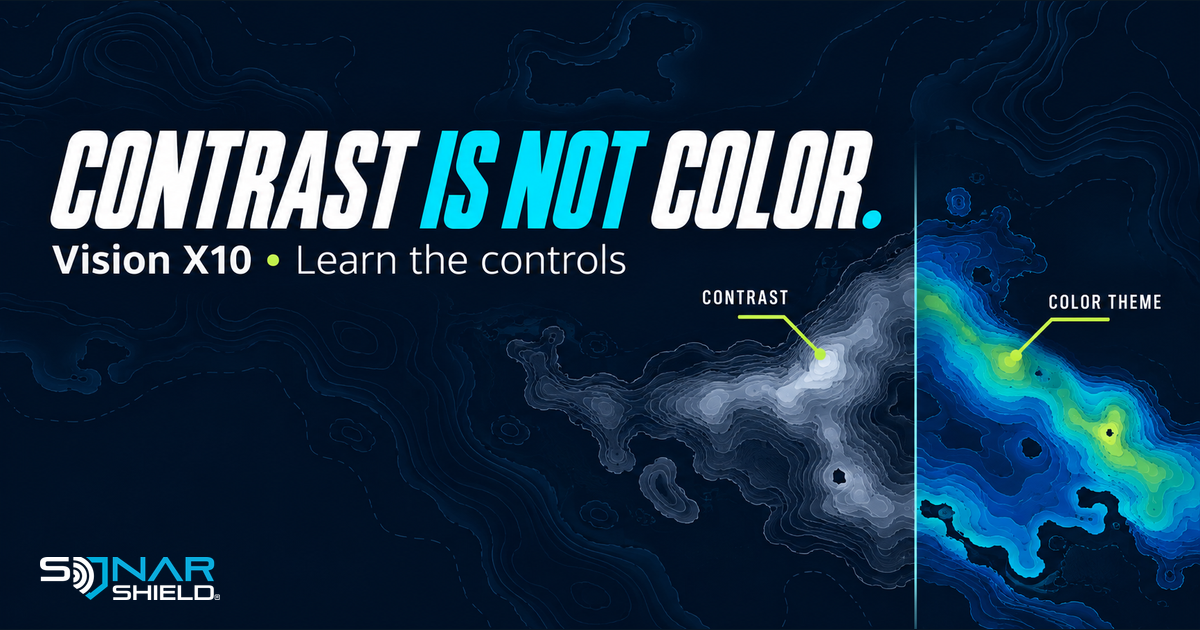
Contrast and color can both change how a sonar view feels, but they are separate controls. If you are learning the Vexilar Vision X10, give each adjustment its own short comparison instead of changing everything together.
Use the current manual for your unit
Vexilar's instruction-manual library links to the Vision X10 manual, V04 September 2026. This guide explains existing documented controls. It is not a firmware announcement.
The manual describes Color Theme on printed page 18 and Contrast on printed page 21. Printed page numbers differ from the PDF viewer's page count. Check that you are reading the relevant operating section and the instructions for your own unit.
Find Color Theme
The manual directs you to the settings menu, then COLOR THEME, where a dropdown offers the available choices. Start by noting the theme already selected. Compare another option without changing contrast at the same time.
Find Contrast
For Contrast, the manual directs you to CONTRAST in the settings menu and its slider. It describes higher contrast as emphasizing stronger returns and lower contrast as giving a more gradual range. That is a reason to compare, not a universal recommendation to set the slider high.
Try a two-pass exercise
Our suggested exercise is to keep the question narrow. Choose an appropriate operating location and a familiar presentation. Record the mode, range and current settings first. Follow the manufacturer's operation instructions throughout.
Pass one: compare a color theme. Keep contrast and the rest of the setup unchanged. Ask whether you can distinguish the information you are following more easily. If not, return to the original selection. An attractive palette is not automatically a more useful palette.
Pass two: compare contrast. Return to the chosen theme, then move only the contrast control. Observe what becomes more obvious and what becomes less distinct. Avoid changing range, position and presentation during the same comparison if you want to understand the control's effect.
A worksheet you can use again
- Unit/software and operating mode: ______
- Starting range, theme and contrast: ______
- One control changed: ______
- What became easier to distinguish? ______
- What became harder to distinguish? ______
- Keep the change or restore the baseline? ______
Write observations rather than a claim that one setting catches more fish. Conditions, installation and presentation remain part of interpreting a view. This worksheet is Sonar Shield's suggested learning method, not a Vexilar test result or a quoted manufacturer procedure.
Keep your baseline
Once you understand a change, save a note of the setting and conditions. Next time, begin with a baseline you recognize and check whether it still suits the situation. The goal is to learn the controls, not collect a long list of unexplained presets.
Browse Sonar Shield covers and accessories by exact model for separate between-trip needs. This article does not claim an existing Sonar Shield cover fits the Vision X10.
The graphic uses conceptual contour artwork. It is not a Vision X10 screen capture or a measured demonstration of the controls. Consult the official manual for the actual interface and complete operating instructions.
Created with AI assistance using Sonar Shield's topic direction and research from the sources cited in this article.