
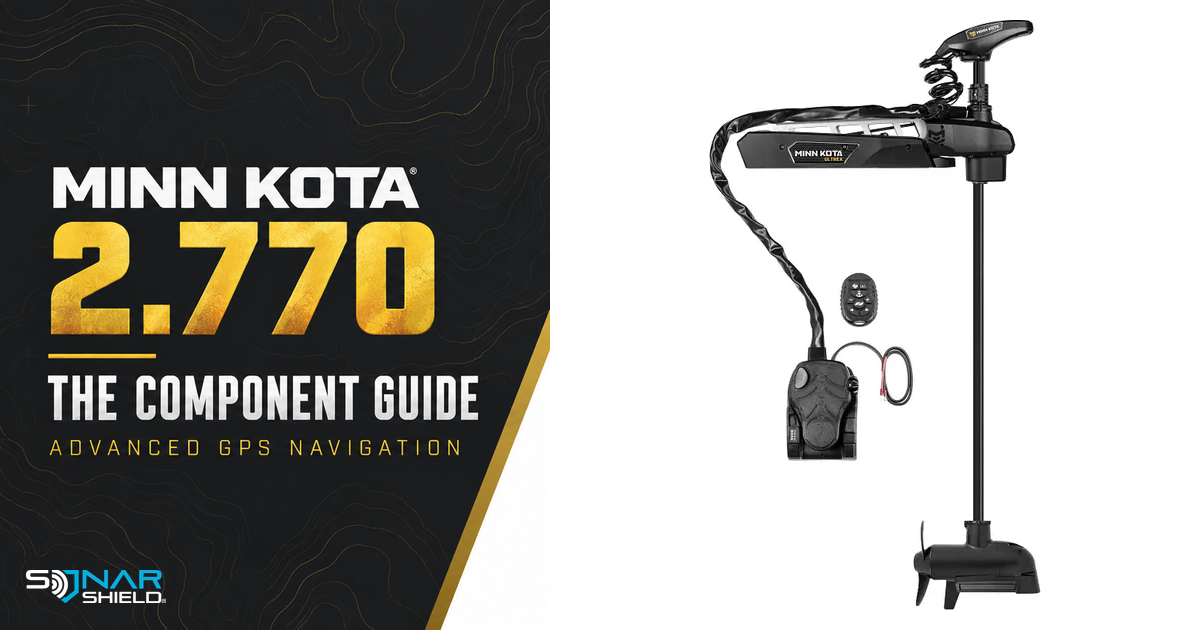
Released October 6, 2026. By Gregg Smith.
Minn Kota's Advanced GPS Navigation package 2.770 release is a reminder that a trolling-motor update can involve several components. The package number is not necessarily the version shown for the controller, motor, remote or pedal. Match each number to its component before deciding that something is missing.
Which equipment is covered?
The release identifies Advanced GPS controller 4.0 equipment in the listed 2024-and-newer motor families, including applicable Ultrex, Ulterra, Terrova, PowerDrive and Riptide/QUEST configurations. Check the exact affected-product list and controller generation. A motor-family name alone does not establish eligibility, and this package does not support legacy i-Pilot Link remotes.
The component versions
| Component | Version listed in package 2.770 notes |
|---|---|
| Advanced GPS controller | 2.760 |
| Wireless remote | 2.130 |
| Ultrex QUEST, Ulterra QUEST, Instinct QUEST motors | 1.140 |
| Terrova QUEST motor | 1.100 |
| Foot pedal | 1.050 |
The release marks the controller, remote and listed 1.140 motor versions as new. Do not expect every component to display 2.770 after installation.
Features and fixes
The notes describe wireless networking, Draw & Navigate, Intelligent Depth Control and Spot-Lock improvements with the relevant compatible equipment. They also list a fix for steering oscillation on Ultrex QUEST. That model-specific fix should not be presented as a fault affecting every Minn Kota motor.
A software release does not supply missing hardware. Check the display, controller and any anchor integration needed for a feature before expecting the same controls on every boat.
Prepare the app and connection
The instructions identify Minn Kota Fishing App 6.010 for the update workflow. Follow the official pairing procedure for controller 4.0. It uses the controller's pairing button and audible confirmation; use the exact sequence on the release page rather than a procedure remembered from another controller generation.
Keep the phone near the motor and maintain the required power and connection throughout the transfer. Allow time to finish the motor and remote portions before a planned outing.
App update steps
- Verify the motor, controller generation and app version against the release page.
- Pair the app and controller using the official instructions.
- Open Network + Updates, select Download Update, then Transfer Software as prompted.
- Keep the phone nearby and the system powered during transfer. The instructions allow up to approximately 25 minutes.
- Allow the motor to restart and complete its audible confirmation. Restart the app and check for an additional package if your earlier software requires it.
- Inspect each installed component version and confirm the app's update status before considering the process finished.
Update the remote separately when prompted
The remote can require its own restart/update prompt. The documented manual route is Menu → System → Update Software. Check its batteries first and allow the stated 10–15 minutes. Verify the resulting remote version rather than assuming the motor transfer completed it automatically.
Display prerequisite discrepancy still needs clarification
The display 7.400 notes name Advanced GPS package 2.780/controller 2.750, whereas this dedicated release page names package 2.770/controller 2.760. These are conflicting published combinations. We have not verified that 2.770 satisfies a requirement for 2.780 or that one controller number is a correction of the other.
If you are coordinating the motor update with a new display feature, use current exact-model guidance or manufacturer support to resolve the combination. This guide reports the dedicated 2.770 release; it does not invent an installation order to reconcile the discrepancy.
After installation
Our practical suggestion is to check normal controls in an appropriate familiar setting before relying on an unfamiliar automatic feature. Record the component versions and learn how to stop or override the mode you intend to use. If a feature is absent, first compare the documented hardware and software requirements rather than repeating transfers without a clear reason.
Keep your equipment information together
Save your exact model, installed versions and the date of the update with your boat information. For between-trip accessories, browse Sonar Shield covers, visors and accessories by the actual model on your boat. Software compatibility and physical accessory fit are separate checks.
Independent Sonar Shield guide checked October 6, 2026. Features and procedures below are based on the linked manufacturer documentation; use its current instructions for your exact hardware. Official product imagery: Johnson Outdoors.