
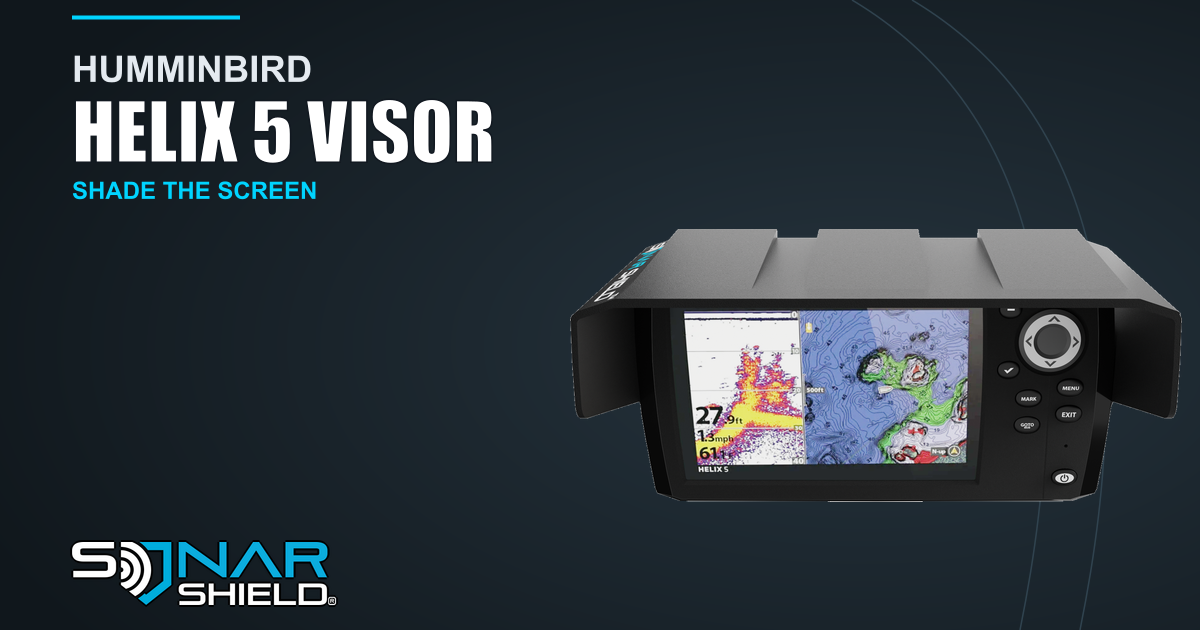
When the screen on your Humminbird HELIX 5 is hard to read, look at where the light hits it. The sun coming over the top of the display and a reflection coming from the side can make the same screen look very different. The Sonar Shield HELIX 5 sun visor adds physical shade around the display.
Compare two light angles
With the boat stationary, look at the screen from your normal fishing position. Notice whether the brightest part of the screen is near the top, along one side, or spread across the whole face. If you can safely change the direction the display faces, compare the view at the same brightness setting. Keeping the brightness fixed makes it easier to see what changed.
Give your controls room
Check the model name on the unit and the space around the display before ordering. The supplied product image shows the visor around the HELIX 5 with the control panel visible. Follow the fitting instructions for your exact display and confirm you can comfortably reach its buttons. Direct reflections can still depend on the angle of the sun and how the unit is mounted.
See the HELIX 5 visor and current fit information.
Created with AI assistance using Sonar Shield’s topic direction and the sources cited above.