
A tuning question sometimes begins one step earlier: is the system displaying the view you intend to use? This week's Garmin LiveScope spotlight focuses on the XR LVS62 and the viewing-mode check documented in its installation instructions. It is an owner-learning guide, not an announcement of new firmware.
Begin with the intended view
Garmin's LiveScope XR LVS62 installation instructions direct owners to configure the software after installation. The documented route is Sonar > LiveScope > Options > Sonar Setup > Installation > Orientation. Select the viewing mode you plan to use. Garmin recommends Auto when you intend to change viewing mode during use. Menu wording should be checked against your actual chartplotter and software.
Keep orientation separate from image tuning
Our practical suggestion is to write the intended view and the selected menu choice on the same note before adjusting image controls. That makes a mismatch easier to spot. It also stops a sequence of gain changes from becoming a substitute for checking the starting setup. This is an inspection framework, not a claim that orientation explains every difficult sonar image.
Record what you can actually observe. If the view behaves differently after moving the transducer, describe the movement and the selected mode. Keep an uncertain cause as a question. Do not borrow a menu path from a different manufacturer's sonar or assume every LiveScope generation has identical installation behavior.
A separate calibration topic
The LVS62 instructions also discuss compass calibration and warn about magnetic interference near a trolling motor. That is a separate procedure with specific installation requirements. Read the full instructions and follow the unit's prompts; this short guide does not replace them or prescribe an improvised boat-movement exercise.
Protect the physical setup too
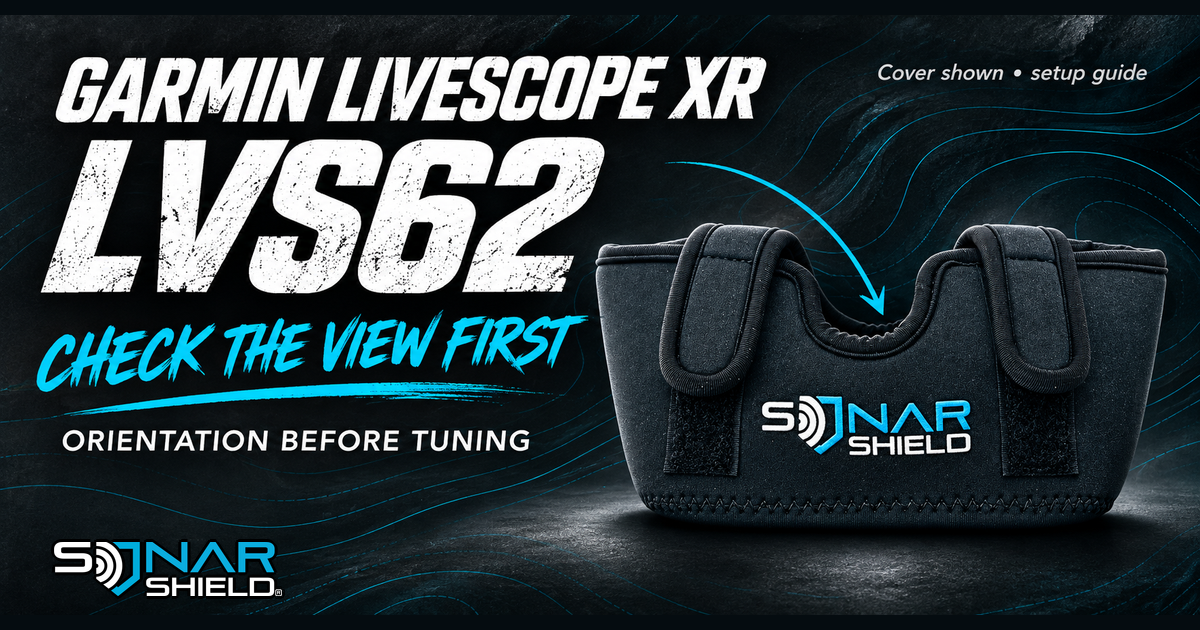
The illustration here shows an owned Sonar Shield LVS62 neoprene travel cover. It is a protective accessory photograph, not an example sonar image or proof of menu behavior. The product listing describes flexible neoprene coverage for dust, grime and trailering wear. Fit and use protective accessories according to their own directions and remove them before sonar operation where required.
Our suggested starting record has four entries: chartplotter model, transducer model, intended view and selected orientation. Once those agree, use the relevant owner's manual for any further image-control changes. If they do not agree, resolve that question first rather than copying a stranger's preferred settings.
Sources checked November 9, 2026: Garmin LVS62 installation instructions and the linked Sonar Shield cover listing. No on-water testing or Garmin endorsement is claimed.
Created with AI assistance using Sonar Shield's topic direction and research from the sources cited in this article.