
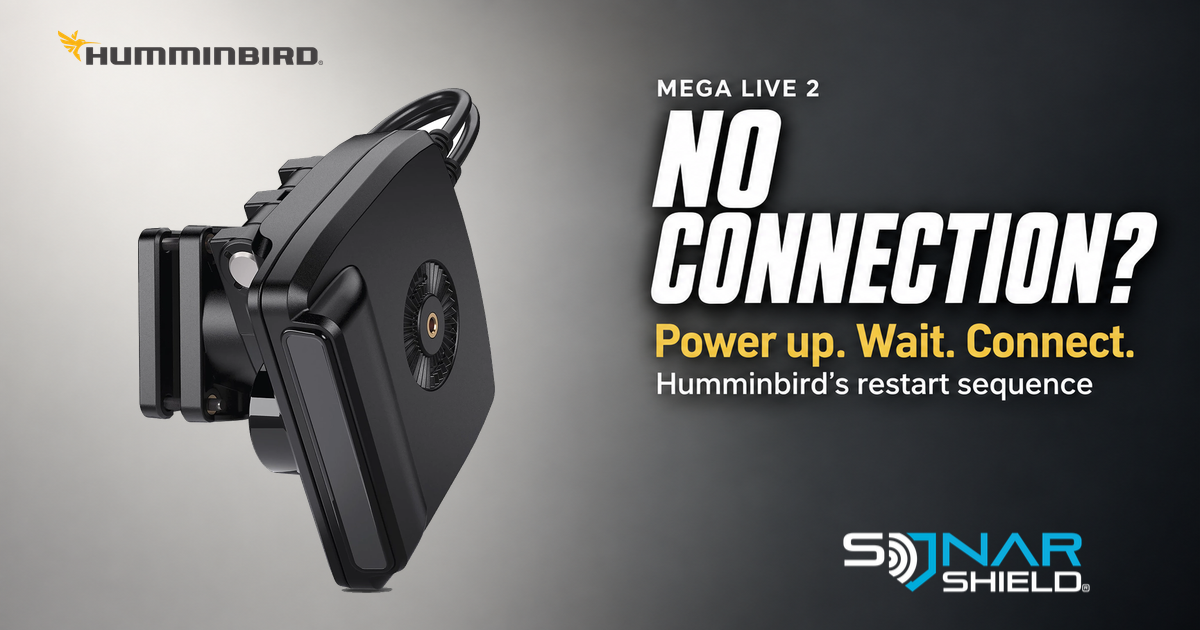
A missing MEGA Live 2 connection does not, by itself, identify a software defect. Humminbird’s troubleshooting guidance includes a restart sequence with two useful timings. Here are those steps first, followed by a way to document the result without changing several things at once.
The documented restart sequence
- Shut down the connected Humminbird display and disconnect power to MEGA Live 2.
- Restore MEGA Live 2 power. Wait one minute.
- Turn the connected Humminbird display back on.
- Allow up to five minutes for the connection.
Source: Humminbird’s MEGA Live 2 troubleshooting article, updated March 3, 2025 and checked September 17, 2026. This is existing troubleshooting guidance, not a new firmware alert or a promise that every connection problem will be fixed.
Confirm the system before repeating the test
The current MEGA Live 2 product page lists XPLORE, APEX and SOLIX G3 displays as compatible. Check the exact display generation; a similar product name is not enough. The MEGA Live 2 installation guide is linked below for the required connections and installation details.
Humminbird’s current software table lists MEGA Live 2 version 2.200 as checked September 17. That is a current-version reference, not a newly announced release. Check the table for your exact display and TargetLock if fitted, and follow each model’s update instructions.
Make one attempt easy to interpret
Sonar Shield suggests writing down the time you restore transducer power, the time you start the display and the eventual result. A phone timer keeps “I waited long enough” from becoming a guess. Do not keep restarting during the documented connection window.
Record whether the device appears and stays connected, appears then disconnects, or never appears. Note any exact message and whether the problem happens only after another part of the rig is switched on. These observations are a support record, not a diagnosis.
If it still does not connect
Humminbird’s troubleshooting page also calls for checking compatibility, current software, the IP address and wiring or connector damage. It includes Ethernet-switch isolation among its diagnostic steps. Follow its instructions for your installation; do not improvise wiring changes from a general social post.
If the timed restart does not resolve it, use the MEGA Live 2 installation guide and Humminbird support with the model names, software versions and result you recorded. Our fish finder support checklist helps organize that information.
What happened after the full wait: connected normally, dropped again or never appeared? That distinction gives the next person something useful to investigate.
Independent education by Sonar Shield. Product image and Humminbird mark: Humminbird/Johnson Outdoors, used for editorial identification. No sponsorship or firsthand product test is implied.