
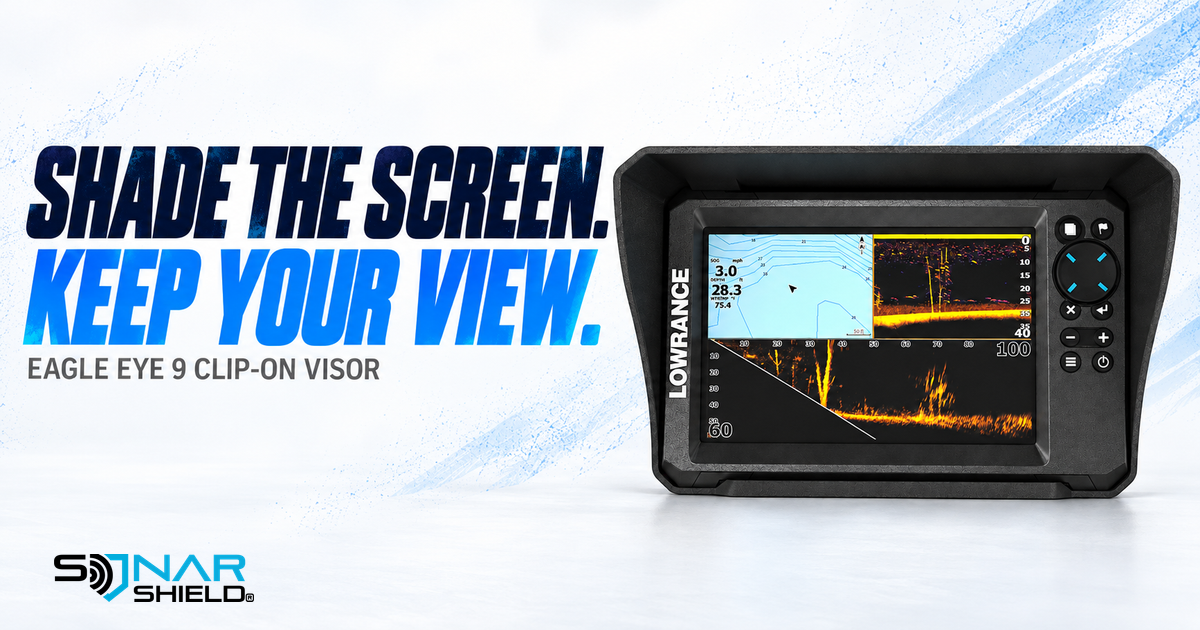
Shop the featured accessory: Sonar Shield Lowrance Eagle Eye 9 clip-on visor.
A reflection across the display and an unfamiliar sonar return call for different checks. Before adjusting several controls at once, make sure you can comfortably see the screen from your normal fishing position. That simple distinction makes your next decision more deliberate.
Start with the view you actually use
Our suggested routine begins with the boat safely stationary. Stand or sit where you normally read the Eagle Eye 9. Look at the complete display, including the corners and the information you refer to most often. Is the difficulty caused by a bright reflection on the surface, or can you see the display clearly but want to interpret its contents better?
Write down the question before changing anything. For example: “The reflection covers the depth number from this seat,” or “I can see the screen clearly but cannot follow my presentation.” Those observations describe different problems and help prevent unrelated changes from becoming one confusing experiment.
Where a clip-on visor fits
The Sonar Shield product listing describes a lightweight ASA-plastic visor made for the Lowrance Eagle Eye 9, with a removable, tool-free clip-on design intended to help shade the screen and reduce glare. Match the exact display before ordering. Similar screen sizes do not establish compatibility with a different model.
The visor is a physical screen accessory. It does not change sonar software, add imaging functions or replace learning the display controls. Sun angle and your viewing position still matter; a visor is not a promise that every reflection disappears.
A useful before-and-after check
- Keep a baseline. Note your viewing position and the screen area affected by reflection.
- Fit the correct accessory. Follow the supplied product instructions. Confirm the visor sits as intended without forcing a mismatched fit.
- Check access. Look at all screen edges and use the controls you normally reach. Check nearby mounts and cables for clearance.
- Compare the same view. Evaluate it from the original position before changing brightness or sonar controls.
- Recheck later. A different sun angle can change reflections. Use the comparison to learn your setup, rather than treating one observation as a universal result.
Then work on one control at a time
If the screen is readable and the question concerns sonar returns, use the exact Eagle Eye manual for the relevant settings. Note the original value, change one control and compare the result against something you can identify. Avoid copying a complete settings recipe without considering your own conditions.
This is a viewing and accessory checklist, not a firmware announcement or a claim of measured sonar improvement. The featured graphic uses our catalog product reference; it is not a photograph from an on-water test.
Keep the setup simple
For the model shown, view the Eagle Eye 9 visor and current product details. Have a different display? Browse Sonar Shield fish finder visors and confirm the precise model listing before purchase.
Created with AI assistance using Sonar Shield's topic direction and research from the sources cited in this article.