
Before making a sonar screen brighter or quieter, make sure you understand the area it is showing. Garmin's LiveScope and Perspective settings guidance treats Gain, Depth Range and Forward Range as separate controls. That distinction is useful when preparing an ice-fishing setup.
Depth Range changes the visible depth scale
Depth Range controls how much depth appears in the view. Garmin provides automatic and manual options on compatible systems. A manual range can help you hold a consistent view during a comparison, but it needs to include the water and targets you intend to examine.
Do not confuse this with Forward Range, which controls the forward extent of the view. Check the orientation and view you are using before deciding which scale to change. Menu availability depends on the display and installed software.
Gain changes how much detail is shown
In Garmin's description, increasing gain shows more detail and can also show more noise. Lowering it reduces what is displayed. Gain does not move the transducer or change the physical direction of the beam.
There is no single numerical gain value in the cited guidance that guarantees an ideal ice-fishing picture everywhere. Water, depth, targets and the installation all affect what you see. An attractive screenshot from another angler is not enough to reproduce their conditions.
Try a controlled comparison
- Record the starting view. Note orientation, depth range, forward range and gain. Use a familiar stationary target where practical.
- Check the scale. Make sure the intended water and target are inside the displayed range. Avoid changing gain to solve a target that is outside the visible view.
- Change only gain. Try a small available step, then compare the same target. Look for useful detail and distracting noise, not simply a more colorful image.
- Return and compare. Restore the starting setting if the change does not help. Write down what improved before changing a second control.
This is a Sonar Shield practice exercise, not a Garmin-prescribed numerical preset. Follow the manual for your exact chartplotter if menu names differ.
Keep the physical setup in the process
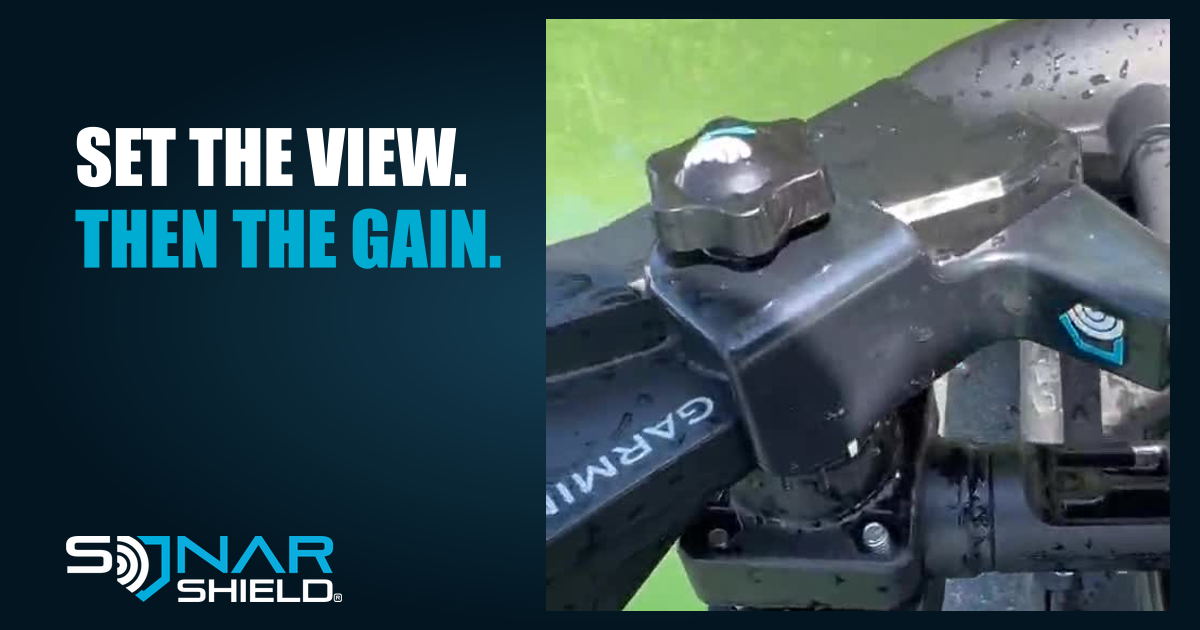
Follow Garmin's installation instructions for pole orientation and cable routing. Keep equipment secure when moving between locations, and use the appropriate transport protection for the transducer. The accompanying photograph shows an actual LiveScope device from supplied footage; it is not an ice installation or a claim of before-and-after sonar performance.
Explore Sonar Shield's LVS34 travel cover if your setup uses that model. Identify your equipment before selecting an accessory.
Source: Garmin owner's manual, LiveScope and Perspective sonar settings, checked November 3, 2026. Educational guide; no new firmware release is announced here.
Created with AI assistance using Sonar Shield's topic direction and research from the sources cited in this article.