
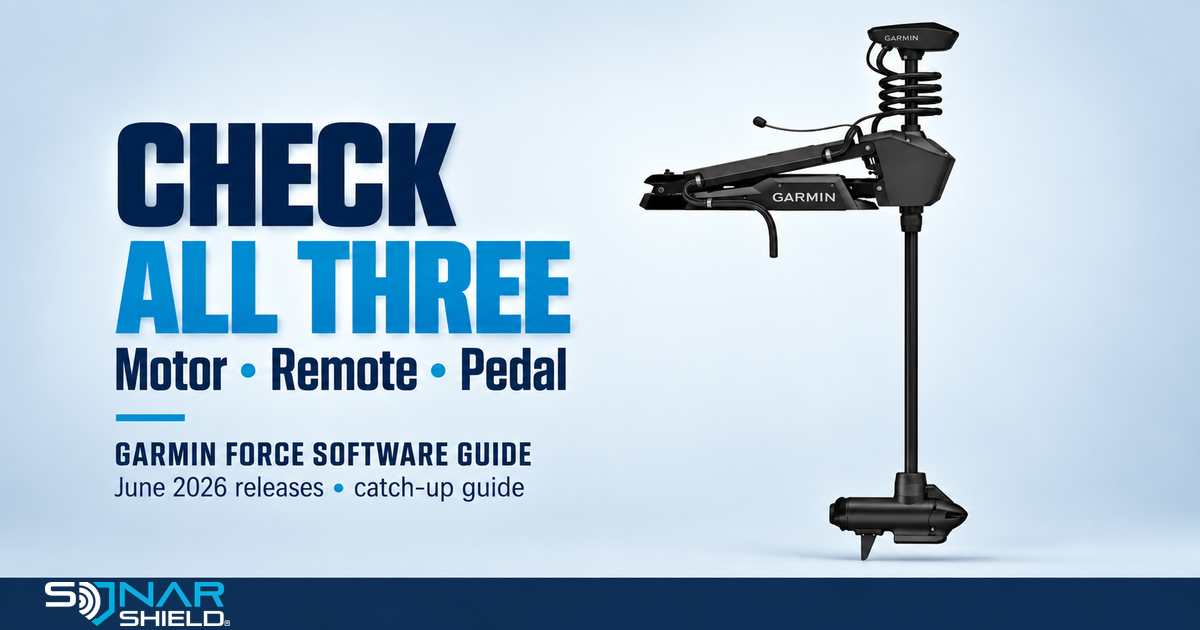
Check the motor, remote and pedal—not just one version number. This guide catches up on Garmin's June 19, 2026 Force-family releases, checked September 26. These are older releases, not a software announcement issued today.
Match your exact motor
- Force: 6.20
- Force Pro: 3.00
- Force Kraken: 3.50
- Force Current: 2.70
The associated remote version is 4.10. The standard foot pedal is 3.50; Force Current's Power Steer pedal is 2.40. Different components have different version numbers. Do not try to make them all match.
What the June changes address
The motor release histories describe preventing shutdown while updating in the stowed position, blocking autopilot activation during compass calibration and general fixes. Force Current also lists Bow Lock. Read the history for your exact model before assuming a feature applies to another Force motor.
Update with ActiveCaptain
Use Garmin's complete update instructions alongside this checklist.
- Prepare a compatible phone, ActiveCaptain and your motor's remote. Garmin lists Android 10 or newer and iOS 14 or newer.
- On the remote, open Menu → Settings → Trolling Motor → Wi-Fi → Mode → ActiveCaptain. Follow the setup prompts and connect the phone to that network.
- Use My Marine Devices to identify the motor. Download the update with an internet connection, then reconnect to the motor's Wi-Fi for transfer.
- Wait for the ready-to-install message. Garmin then instructs powering the motor off for 30 seconds before restarting it. Allow installation to finish; do not interrupt power.
- Keep the connected remote and relevant pedal powered for their updates. Confirm each component's version afterward in the remote's About information.
A compatible chartplotter can provide another update route, but minimum motor and chartplotter software requirements apply. Check Garmin's compatibility list before choosing that route.
Keep a simple update record
Write down your exact motor model, motor version, remote version and pedal type/version before beginning. Repeat that record after installation. An unchanged component is a reason to check its connection and the official instructions—not to assume the whole system is current.
Choose a time when the boat is secured and the equipment can remain powered as instructed. Complete the manufacturer's operating checks before relying on the system on the water. This record is our organizational suggestion, not an extra Garmin installation step.
A separate January service bulletin
Garmin's January 2026 Force and Force Pro service bulletin addresses power-terminal connections on the listed 50- and 57-inch models. Loose connections can overheat. Garmin classifies compliance as recommended. This is a physical service matter; a firmware update does not perform that repair. Read the full bulletin and use qualified service if needed. It is not a new September bulletin.
Explore Sonar Shield gear

H-Strap cable management
Explore the holder's mounting requirements and pack options for your own installation. This accessory organizes cables; it does not install firmware or resolve electrical service issues. Confirm fit with Sonar Shield before ordering: the current listing contains conflicting diameter figures.
Official change histories: Force, Force Pro, Force Kraken, Force Current. Checked September 26, 2026. Motor imagery: Garmin; editorial identification only. Sonar Shield is not announcing a Garmin partnership.