
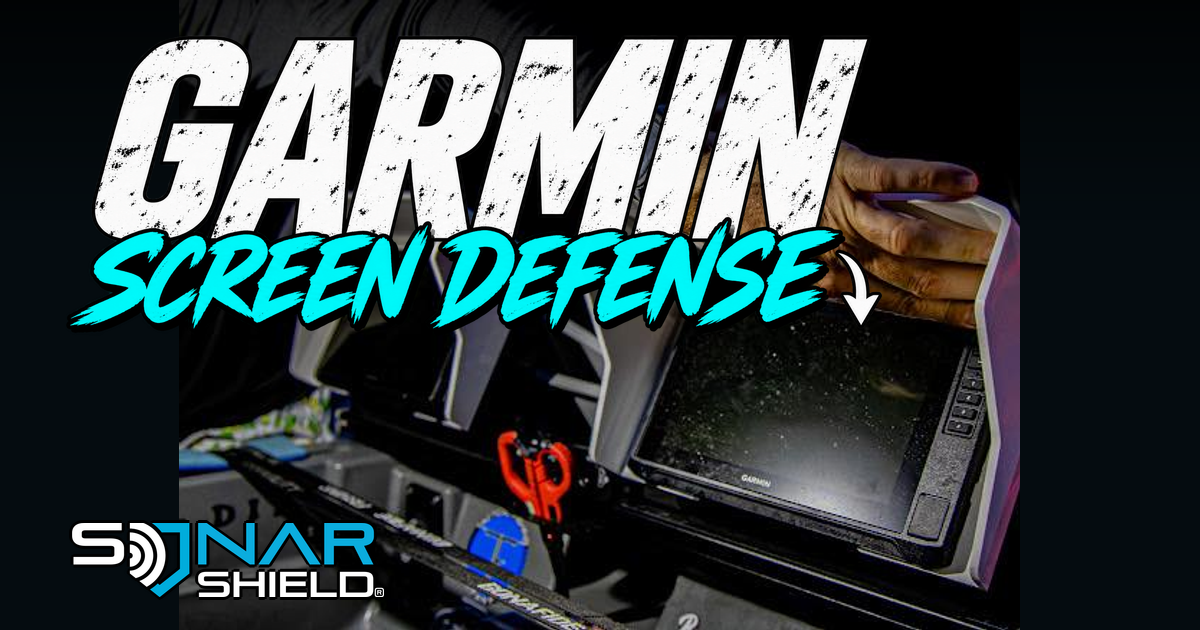
The screen is where you read the information, change a setting and decide what to examine next. Our owned photograph shows a Sonar Shield visor surrounding a Garmin fish finder, with a hand beside the opening. It is a useful view of the accessory's physical coverage and the space around the display. See the current Garmin visor range and match its options to your exact unit.
Look at the installed accessory
The point of this photograph is the protective layer around the display, not a claim about where an accessory should be stored. The visor roof and side walls are visible alongside the genuine screen, hand and original physical branding. The image has not been turned into an invented boat installation or used as proof of a laboratory test.
Do not identify the UHD generation solely from this photograph. Read the label on your actual display and use the directions for that unit and mounting arrangement. A family name on a shopping page does not remove the need to select the correct option.
Inspect seating and access together
After fitting the correct visor as directed, inspect how it sits around the display. Then look at the controls and the areas you normally reach. Check with the gloves you ordinarily use, without forcing a finger or tool between parts. If anything interferes with normal operation, revisit the fitting directions before using the setup.
That inspection gives you two observations to record: whether the accessory appears seated as instructed, and whether you can use the display normally. Neither observation proves a universal fit across other models. They describe the particular equipment in front of you.
Make the protection check useful
Think about the screen's exposure to light, spray and nearby gear. A visor adds coverage around the display; it is not a sealed enclosure or permission to ignore manufacturer care instructions. Do not assign an impact rating, water-ingress rating or battery-life increase to this photograph. If a part is damaged, an accessory should not conceal it from inspection.
Our suggested routine is short: verify the model, check the fitting, confirm ordinary control access and identify one exposure the visor is intended to address. If a question remains, a clear photograph of the actual seating point is more useful for support than a general statement that the accessory feels wrong.
Protect the equipment you depend on
Good protection fits the way the equipment is used. Keep the screen readable and accessible, follow the correct fitting directions and treat the rest of the installation as part of the same gear-care task.
Image: Sonar Shield supplied owned photograph, with original scene, hand, equipment and physical branding preserved. Product source checked November 9, 2026: current Garmin visor range. This is an editorial inspection guide, not an account of firsthand testing.
Created with AI assistance using Sonar Shield's topic direction and research from the sources cited in this article.