
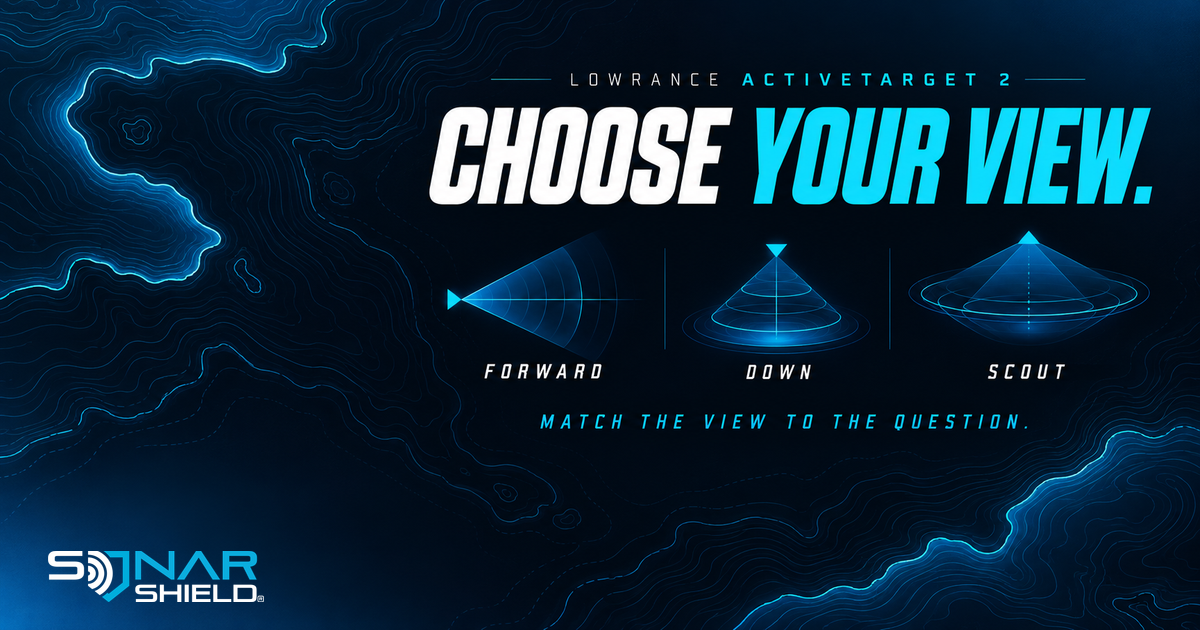
Choosing an ActiveTarget 2 view starts with a useful question: are you looking ahead for the next cast, watching directly beneath the boat, or searching across a wider area in front? Learning those distinctions gives the image a purpose before you start adjusting several settings.
Three views, three different questions
Lowrance's ActiveTarget 2 overview explains the core viewing options. Forward looks ahead toward fish and structure for the next cast. Down focuses below the boat for a vertical presentation. Scout supplies a broad overhead-style view in front, useful for finding groups of fish or bait.
Those descriptions identify the purpose of each view; they are not a guarantee that a particular target will be visible in every condition. Use the installation instructions to position the transducer correctly for the selected mode. A menu selection does not replace the physical mounting configuration.
A deliberate way to learn a mode
Try one view at a time in a safe, familiar location. Before casting, identify a fixed feature you can reasonably relate to the image. Note where the transducer points and which viewing mode you selected. Then watch what changes when your presentation moves through that area.
- Write the question. For example: “Where is the structure ahead of the boat?” or “Can I follow this vertical presentation?”
- Choose the relevant view. Start with Forward for ahead, Down for beneath, or Scout for a broader overhead search.
- Check the mounting instructions. Confirm that physical position and the selected mode agree.
- Keep a baseline. Record the current settings before making a single adjustment. A short note is more useful than copying an entire recipe without context.
This is our suggested learning routine, not a manufacturer-prescribed numerical preset. Range and image adjustments depend on the display, software and conditions; consult your exact operator manual for the available controls.
Dual views require additional hardware
The same Lowrance overview describes simultaneous views on HDS PRO with a second optional ActiveTarget 2 system. It also identifies Scout Wide and a 180-degree front-to-back view; the Scout Wide arrangement needs an additional bracket. Do not assume that buying one transducer unlocks every illustration shown in a product overview.
Before planning a dual-system setup, verify the display, number of sonar modules and transducers, software and mounting components against the current installation manual. The ordinary Forward, Down and Scout descriptions should not be confused with those expanded configurations.
Check the exact display and product
Lowrance lists HDS PRO, HDS LIVE, HDS Carbon and Elite FS compatibility for ActiveTarget 2. That family list does not mean every software version or optional feature is identical across all displays. Use the resources for the equipment actually on your boat.
For a separate travel accessory, browse Sonar Shield's Lowrance transducer covers and confirm the exact ActiveTarget generation on its product page. A cover does not add sonar modes or replace installation guidance.
This guide covers existing product capabilities, not a newly released firmware update. The directional artwork is an original editorial illustration, not a Lowrance sonar screen or a measured beam diagram.
Created with AI assistance using Sonar Shield's topic direction and research from the sources cited in this article.